 Easy BACnet
Two devices have the same BACnet Device ID — what do I do?
Updated 11 October 2026
A Device ID has to be unique across the whole BACnet network, including every routed MS/TP trunk. When two controllers share one, the head-end binds that ID to whichever device answered last, so points drop offline, flip between two units, or read values from the wrong equipment. Easy BACnet flags it after a scan (“device ID(s) are duplicated on the network”) and marks both devices duplicate ID. The fix is to renumber one of them, which is a job for the controls contractor.
Why duplicates cause trouble
BACnet clients find a device by its Device ID and then remember its address. A head-end looking for device 20114 asks the network “who is 20114?”, takes whichever answer comes back, and uses that address from then on. With two controllers on 20114:
- Both answer, and the head-end's binding can flip between them after a restart or rediscovery.
- Points can go offline and come back, or show values that clearly belong to a different unit.
- Commands can land on the wrong controller, because the head-end is sending to whatever address it last bound.
How Easy BACnet shows it
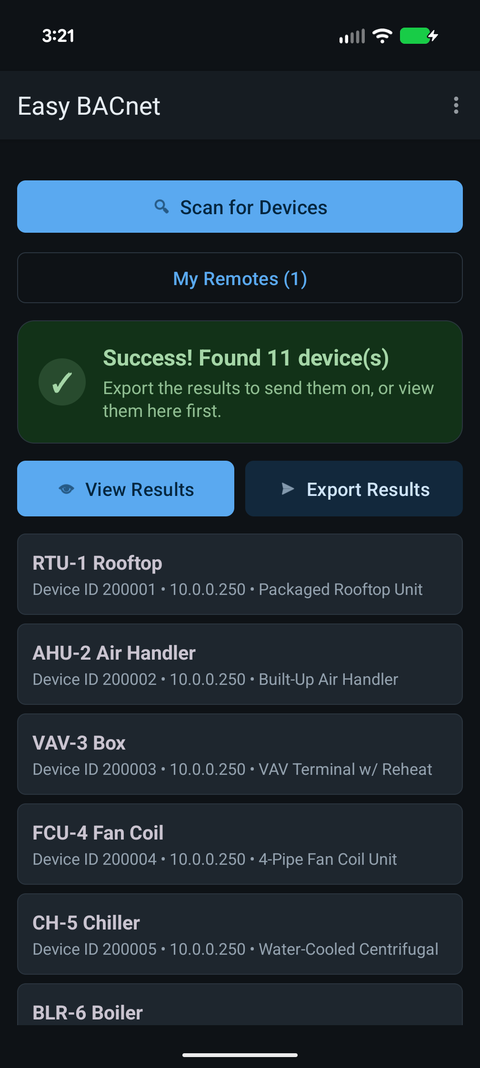
The app keeps every reply it gets, keyed by Device ID and address, so two controllers on one ID both appear in the list. After the scan you'll see a warning such as ⚠ 1 device ID(s) are duplicated on the network, and in the Easy BACnet Mode results each affected device is marked ⚠ duplicate ID next to its own IP. Browser Mode lists both too, with network number and MAC for routed devices. Because the app reads each device at the address it answered from, you can open both and compare names and points to see which is which.
The scan also warns separately when two MS/TP controllers share one MAC address behind a router. That's a different fault on the trunk, but it causes similar flaky comms.
Hold off on writes until it's sorted. Even if the app reaches the right box, the head-end may not, and changes you make can get confused with the other unit.
Where duplicates come from
- A replacement controller loaded from another unit's backup, or a panel copied from a template, without renumbering.
- MS/TP controllers whose Device ID is derived from their MAC (some vendors default to a base number plus the MAC). Two trunks each with a MAC 5 controller end up with the same ID unless each trunk gets its own base.
- Two buildings or two contractors' networks joined later, each with its own numbering scheme.
- New controllers left at the vendor default ID and installed side by side.
How it gets fixed
One of the two controllers gets a new, unused Device ID in its own configuration tool, then the head-end rediscovers it and remaps its points. That's controls contractor work, not something to do from a browsing tool. Most sites have a numbering scheme (for example building + floor + trunk + MAC, giving IDs like 20114) and the new number should follow it.
What to send them
The shared Device ID, both IP addresses (or network numbers and MACs), and both device names. An export of the scan covers all of that. See what to send when a vendor asks for your BACnet information.
Check it on your own network. Easy BACnet is a free Android app that finds BACnet IP devices and reads their points in a couple of taps.
Get it on Google Play