 Easy BACnet
Is there a BACnet IP scanner app for Android?
Updated 11 October 2026
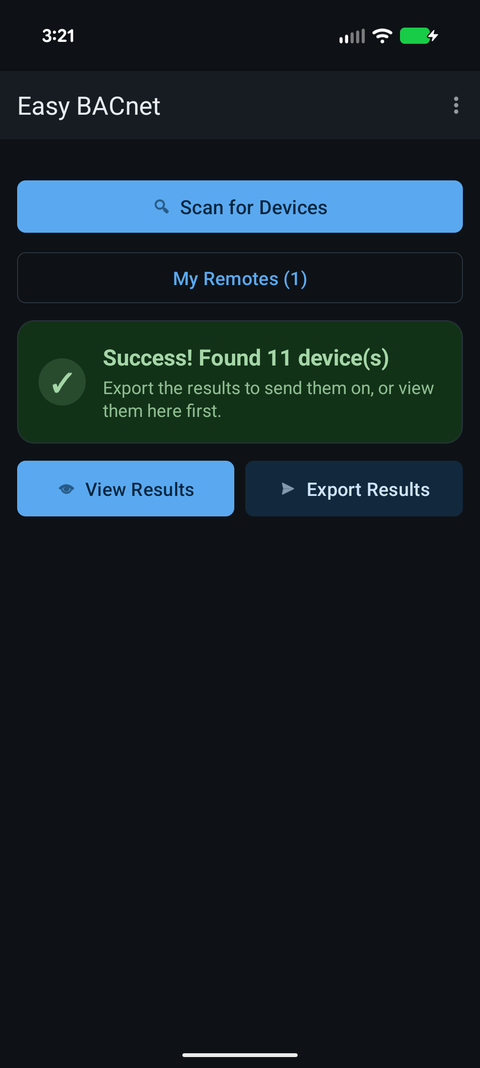
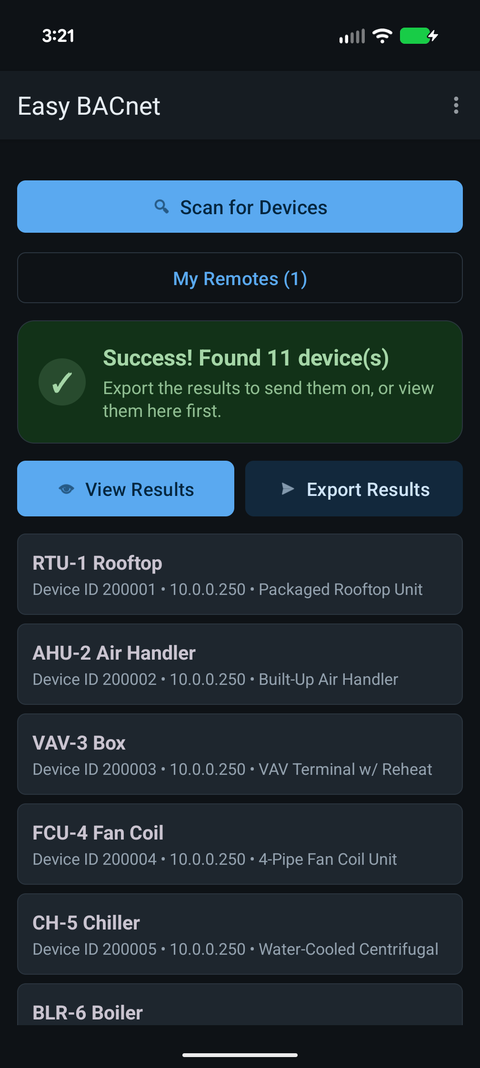
Yes. Easy BACnet is an Android app that scans the network for BACnet IP devices, lists every one that answers, reads their points, and can write to them at a priority you choose and release them afterwards. BACnet has discovery built in, so once the phone is on the same subnet as the controllers a scan usually finds them within a minute. Getting the phone onto that subnet is the part that takes thought.
Where a phone fits
A lot of service calls only need a few answers: is the controller talking, what is the discharge air temperature, is someone holding the damper at 100%. Opening a laptop and a full engineering tool for that is slow. With a USB-C Ethernet adapter, a phone plugged into the controls switch in the panel answers those questions in a couple of minutes.
Getting on the network
Controls networks are rarely on the building Wi-Fi. The usual way in is a spare port on the controls switch, or the BAS VLAN at an IT closet, with the adapter set to a static IP in the controls range (or DHCP, if that VLAN has it). A scan only covers the network the phone is on, so a phone on guest Wi-Fi or the office network finds nothing. See why can't I find my BACnet IP devices? and what is a subnet, and why doesn't the switch give me the right one?
What a phone can and cannot reach
| Situation | Works from the phone? |
|---|---|
| BACnet/IP devices on the same subnet as the phone | Yes — the normal case, found by a scan |
| A specific device you can reach by IP but a scan misses | Yes — add it directly by IP address |
| MS/TP devices on an RS-485 trunk behind a BACnet router | Yes, through the router. See MS/TP vs BACnet/IP |
| Devices on another subnet, through the site's BBMD | Yes — enter the BBMD address and the app registers as a foreign device |
| Devices on another subnet, with no BBMD | Only one at a time, by IP — a scan doesn't cross a router |
| An RS-485 trunk wired straight to the phone | No — the app speaks BACnet IP only |
Menu → Add device by IP… and menu → BBMD for remote networks… cover the other-subnet cases.
Reading is safe; writing has rails
Discovering and reading change nothing on the equipment. Writing is off every time the app starts and has to be turned on from the menu. Each write goes out at a priority you pick (8, Manual Operator, by default), the point is read back afterwards so you can see which priority is in command, and Release to Auto writes NULL to the priority slot holding the point (you pick it if several are held) to hand it back. See BACnet priority and stuck overrides and how to write to a BACnet point.
What you walk away with
The devices and points the scan finds, with present values, units and status, can be exported as an Excel spreadsheet, which is a quick way to put a points list together on a site with no documentation. Walk through a full scan in how to use Easy BACnet.
Check it on your own network. Easy BACnet is a free Android app that finds BACnet IP devices and reads their points in a couple of taps.
Get it on Google Play